
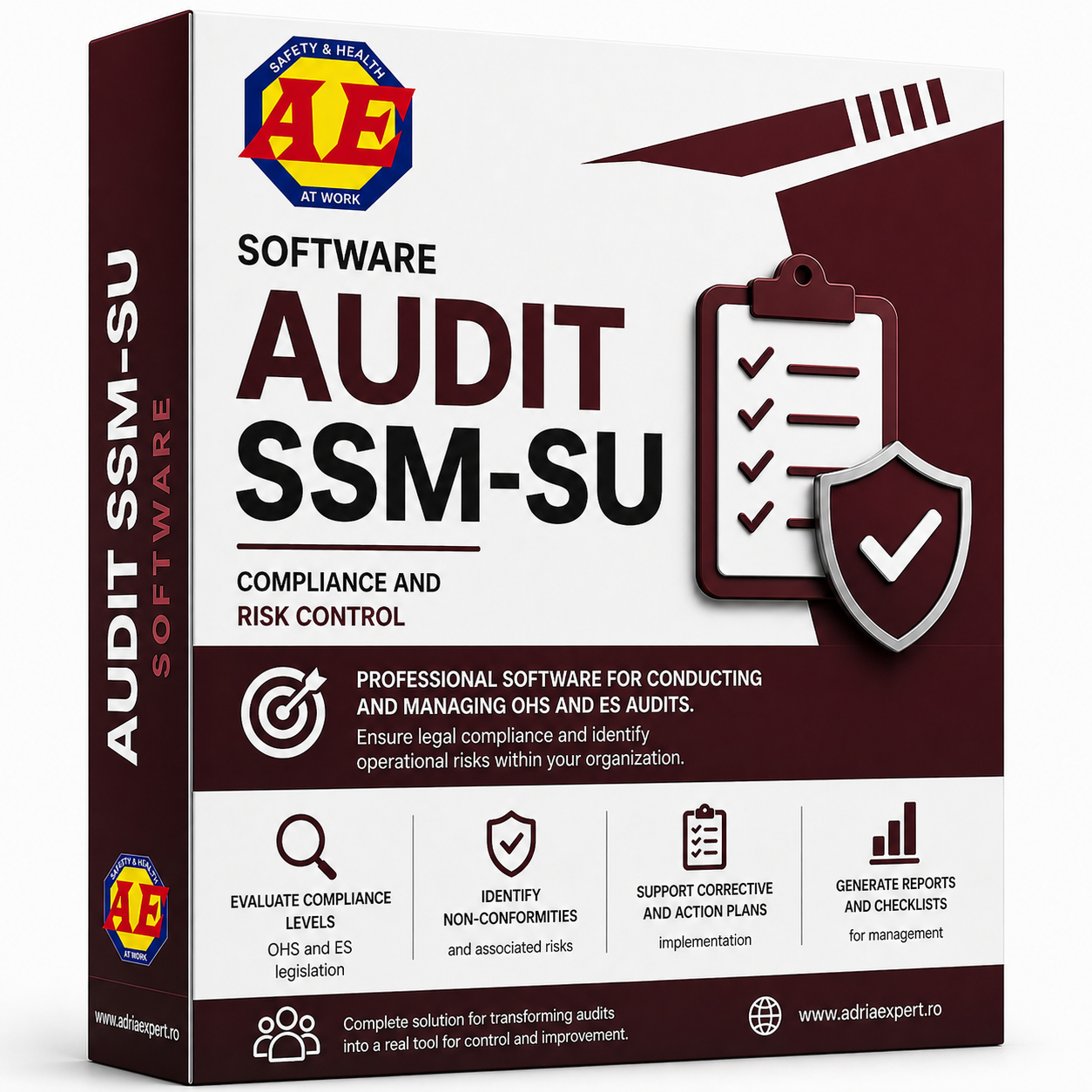
AUDIT SSM - SU: OSH- ES AUDIT SOFTWARE
Software for compliance control and operational risk management
The price includes:
- 1.5–2 hours of training (video conference system) for users
- technical support and upgrades to new versions for 1 year from purchase date
The software allows audits to be carried out as a continuous process, not just as a formal obligation.
Professional software for performing and managing OHS & ES audits, used for compliance verification, identification of non-conformities, and control of operational risks within the company.
Software Features
The software includes modules for:
- audit planning
- verification checklists
- non-conformities and risks
- corrective actions
- reports and documentation
- continuous monitoring
ADVANTAGE: UNLIMITED LICENSE TERM!
The software is continuously used within the company, not only for performing audits, but also for monitoring compliance and managing established corrective actions.
With the help of the software, you can manage:
The software allows audits to be carried out as a continuous process, for compliance verification, identification, of non-conformities, and management of corrective actions
Audit Planning
Audit setup and organization across companies and locations.
• Setting audit criteria
• Scheduling audits by time period and location
• Assigning responsible personnel
• Managing the audit calendar
Checklists
Using standard or customized checklists for compliance evaluation.
• using standard or customized checklists• adapting them to company specifics
• easy editing and updating
• using them in all audits
Non-Conformities and Risks
Identification and recording of non-conformities and associated risks
• highlighting deviations from legal requirements• identifying operational risks
• correlating observations with identified situations
• tracking the evolution of non-conformities
Corrective Actions
Defining and managing corrective actions resulting from audits.
• defining corrective actions• assigning responsible persons and deadlines
• monitoring implementation
• tracking effectiveness
Reports and Documentation
Generating audit documents and detailed reports.
• detailed audit reports• export in PDF, Word, and Excel format
• documents for inspections and verification
• support for company decision-making
Continuous Monitoring
Continuous monitoring of compliance and implementation of corrective actions.
• viewing compliance levels• monitoring established measures
• using information in operational activities
• supporting continuous improvement
The software is continuously used within the company, not only for performing audits, but also for monitoring compliance and tracking the implementation of established corrective actions.
The information generated during the audit is used directly in daily operations and in decision-making processes.
It provides a clear overview of the compliance level and helps reduce the risk of penalties following inspections.
The software transforms auditing from a formal obligation into an active tool for control and continuous improvement of operations.
How the software is used
The software structures the audit process in a clear workflow, from planning to implementation of corrective actions.
Audits are carried out using defined verification lists, and for each identified non-conformity, specific actions, responsible persons, and implementation deadlines can be assigned.
Audit results are centralized in detailed reports and used for continuous compliance monitoring and decision-making within the company.
Workflow in the software:
- audit planning and defining criteria
- conducting the audit based on field verification, using checklists adapted to the company’s specifics and the activities carried out
- using and customizing question templates by modifying, removing, or adding new elements, depending on the company’s activities and risks
- identifying non-conformities and risks
- correlating observations from the field with identified non-conformities and risks
- establishing corrective actions
- monitoring implementation and generating reports
- reusing templates in multiple audits to standardize the process
The software transforms auditing into a continuous process of control and improvement, not just a one-time verification.
Practical Use
The software is used in companies’ daily activities for:
- internal audits
- compliance monitoring
- management of corrective actions
Information generated during audits is used directly in operational processes and in decisions related to safety and compliance.
System Requirements
The software can be used under standard conditions, without special infrastructure requirements.
Operating system:
- Windows 7 or later
Disk space:
- minimum 500 MB
Other requirements:
- full permissions in the installation directory
- Microsoft Office for document generation
The software transforms auditing from a formal obligation into a real tool for control, analysis, and continuous improvement of activities.
Control compliance, identify risks, and manage audits as a continuous process within the company.
OTHER APPLICATIONS OSH DEVELOPED BY ADRIA EXPERT
FMEA Manager
EVALUATOR PRO
HAZOP Manager

QEC SOFTWARE
SITE Manager
LOTUS SOFTWARE